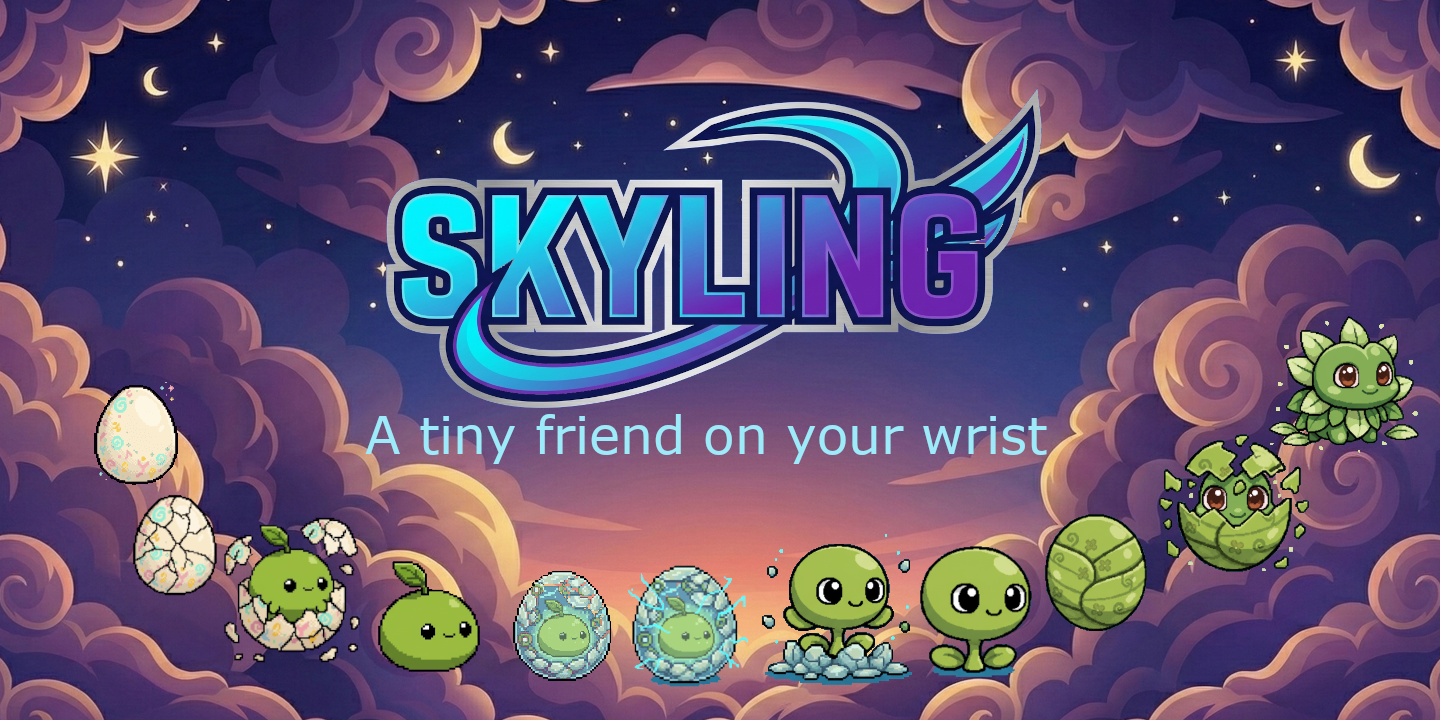
SkyLing guide
How to raise one, and what decides which creature it becomes. No species spoilers.
How evolution works
Life stages
Every SkyLing starts as an egg and moves through four life stages. Each step takes real time: hours for some, days for others.
Between some stages it enters a cocoon, a short rest before it comes out changed.
Branching paths
Evolution is not a straight line. The same egg can end up as very different adults, depending on how you move during the day and how well you look after it.
Activity
When you move, what time of day it is, and how hard you work all feed into the path your SkyLing takes.
Care
A well-kept SkyLing reaches different forms than a neglected one.
Three families
Every SkyLing joins one of three families. Which one depends on what you did during its early stages.


Nature-Aligned
Creatures tied to growth and the natural world. Regular daily rhythms suit them.

Energy-Driven
Creatures that respond to hard exercise. Sit still and you will not get one.

Digital
Machine-like creatures from a different pattern of living. Night owls tend to find them.
Each family branches into several child forms, and each child into several adults. Eighteen species in all.
Gameplay
The three stats
Three stats decay on their own over time:
- Hunger: keep them fed
- Cleanliness: a tidy habitat is a happy habitat
- Happiness: play and interact often
Low stats pull health down with them, and a filthy habitat will make your SkyLing sick.
Care actions
Five things you can do for it:
- Feed: restore hunger and boost mood
- Play: increase happiness (but uses energy)
- Clean: tidy the habitat and lift spirits
- Heal: cure sickness when needed
- Nurture: speed up egg and cocoon phases
Star Dust
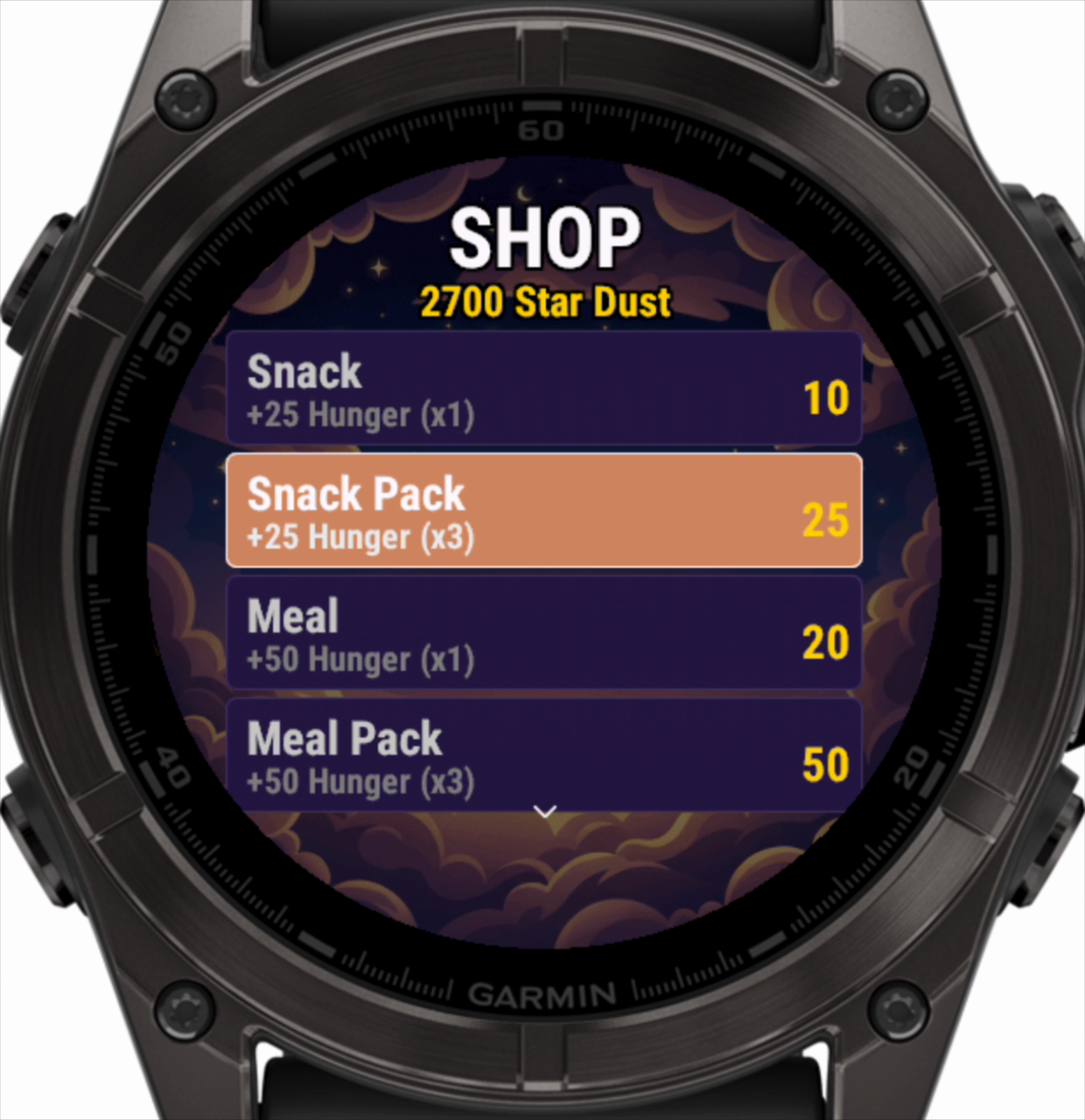
Star Dust is the in-game currency, and your steps convert to it automatically.
Spend it in the shop on food, cleaning supplies and medicine.
Minigames
Minigames raise happiness and take the edge off hunger. There are five:
- Star Catcher: catch falling stars, dodge obstacles
- Rhythm Tap: tap to the beat
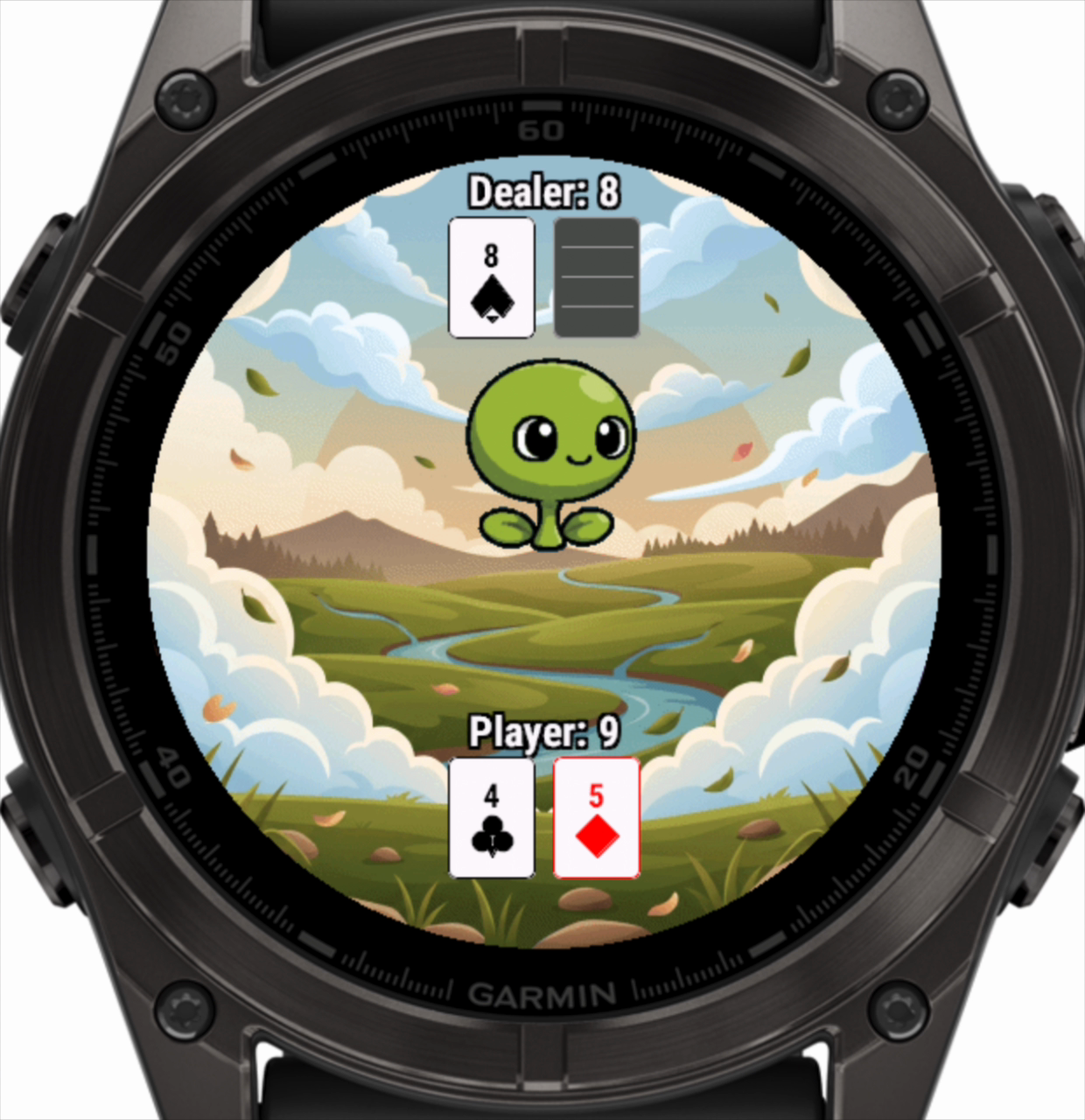
- Blackjack: classic card game
- Move Game: shake to score
- Balance: tilt to keep balanced on a pivoting platform
Reach the adult stage and you get to pick which minigame to play. Before that it is chosen at random.
Touch controls
SkyLing takes full touch input on watches that have it.
Menus and shop
- Tap screen: open the menu
- Tap item: select that option
- Tap outside menu: close menu
- Swipe up/down: page through shop items
Minigames
- Star Catcher: tap left/right side to move
- Blackjack: tap top to hit, bottom to stand
- Rhythm: tap top/bottom for each lane
- Balance: tilt watch to stay balanced
Every action has a button equivalent, if you would rather not touch the screen.
Background notifications
A background service watches your SkyLing while the app is closed. It tells you when:
- ● Your SkyLing's stats are getting low
- ● Your SkyLing becomes sick and needs healing
- ● An evolution is ready to happen
You do not have to keep the app open.
Friendly Mode and sleep pause
A virtual pet's schedule does not always fit a person's. Two settings, both under Settings, make SkyLing forgiving of long sleeps, chronic fatigue and unpredictable days.
- Friendly Mode halves the decay rates, holds every stat at a floor of 15% instead of letting it reach zero, and stops your SkyLing dying of neglect. It also silences the nagging stat notifications.
- DND Pause (on by default) stops decay entirely while your watch is in Do Not Disturb, so a long sleep or a rest day does not count against your SkyLing.
Evolution timers and milestone progress carry on as normal. These two settings only touch the care and decay loop.
The Memorial
A SkyLing can die, from neglect or because you chose to let it go. Either way it goes to the Memorial.
The Memorial lists every SkyLing you have raised, with how long it lived, the form it reached, and how well you looked after it.
Game screens
Taken on the watch, at the size you will see them.
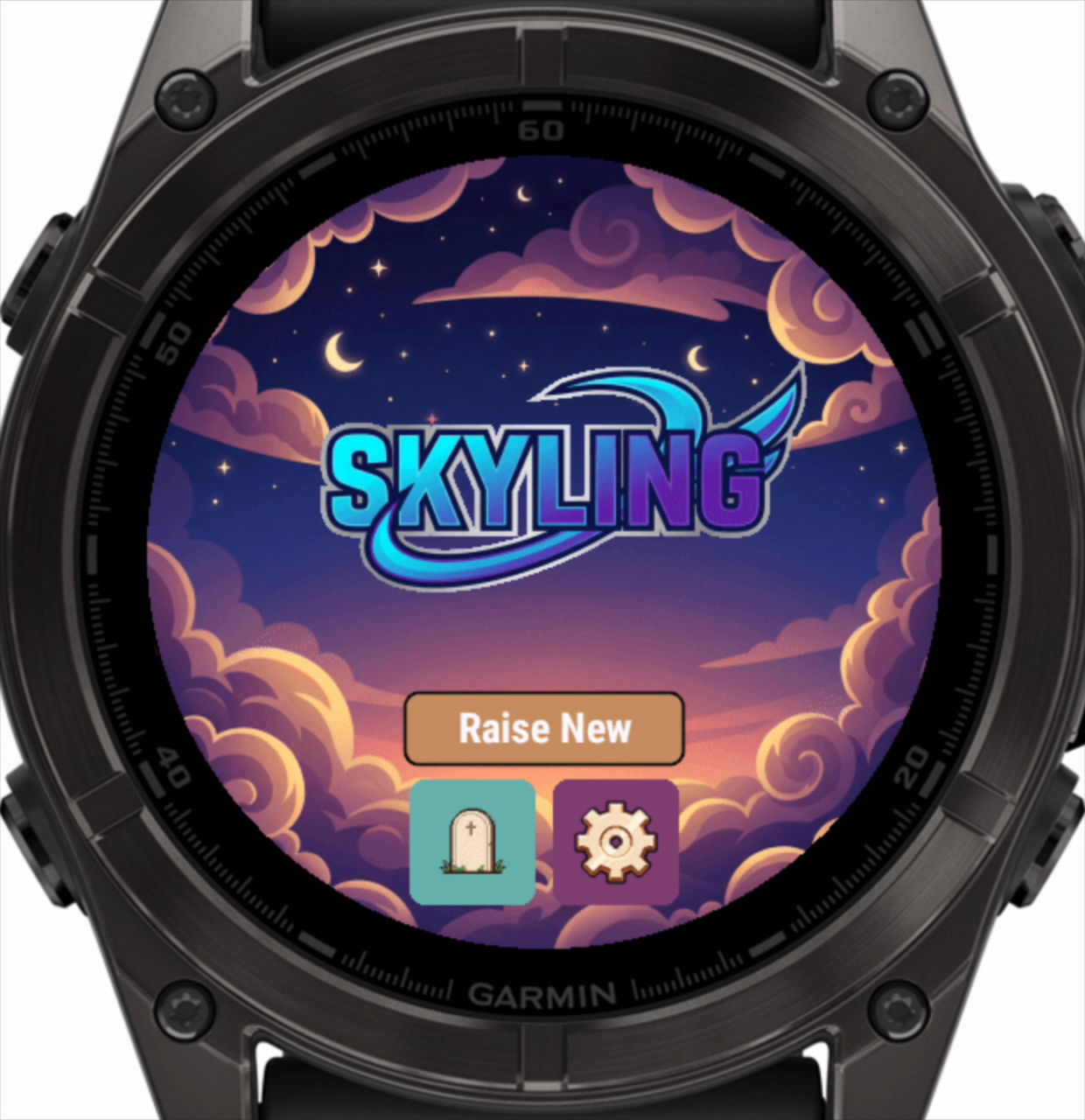 Main Menu
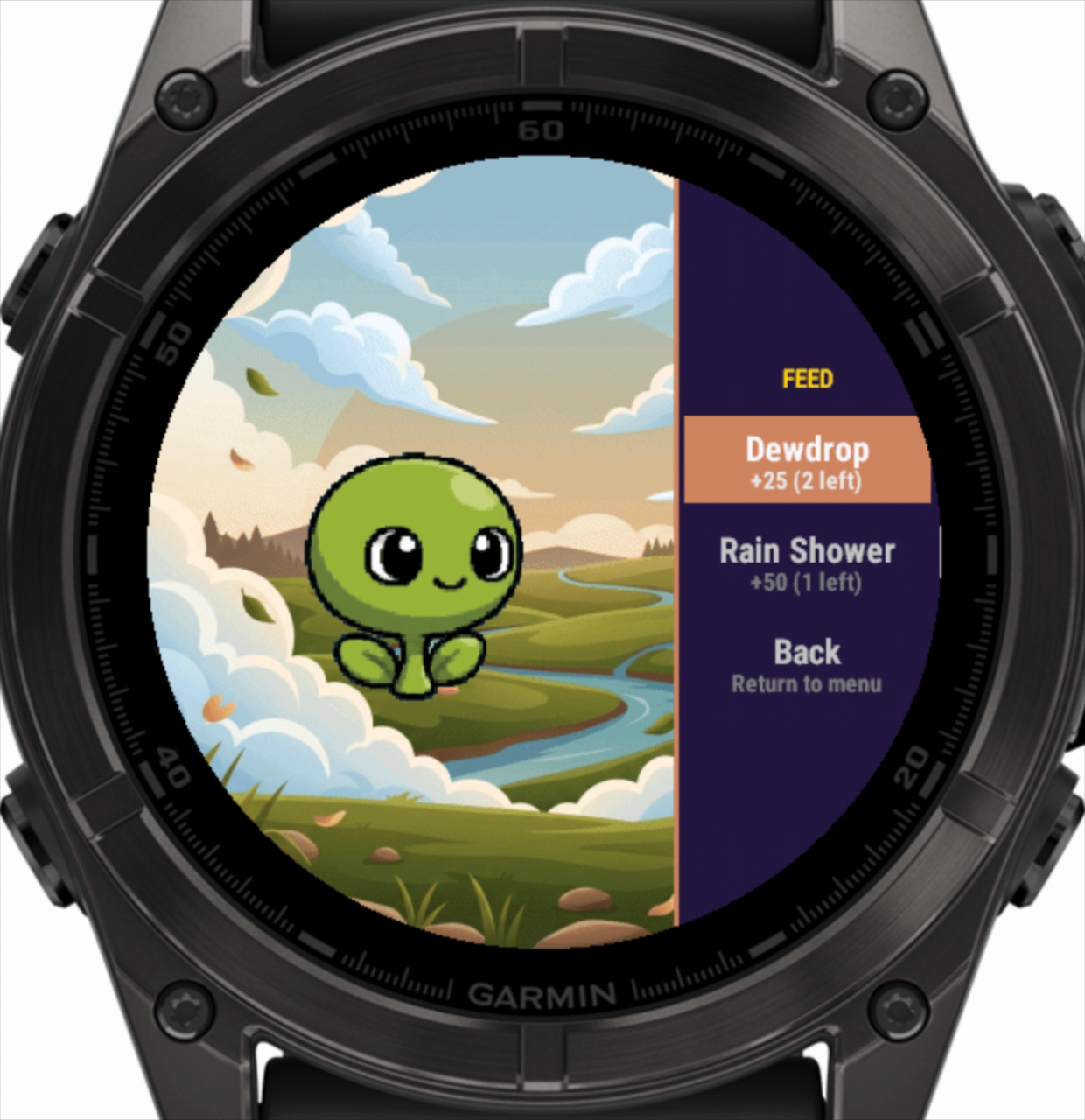 Feeding
 Shop
Shop
 Minigame
SkyLing Face
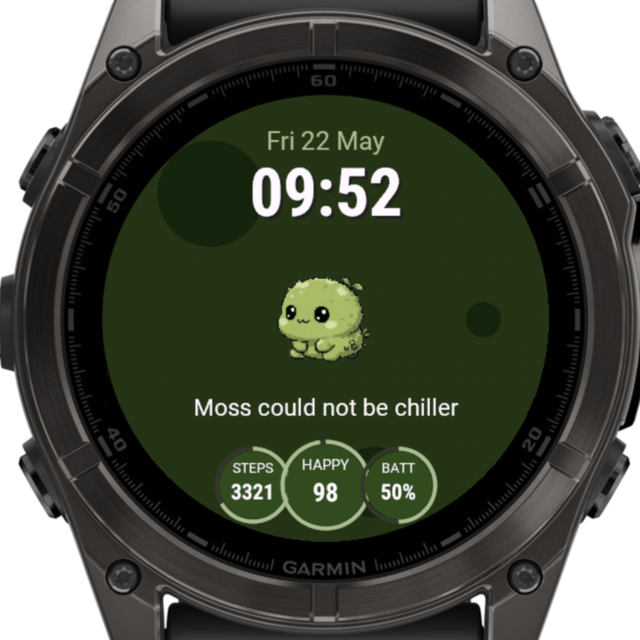
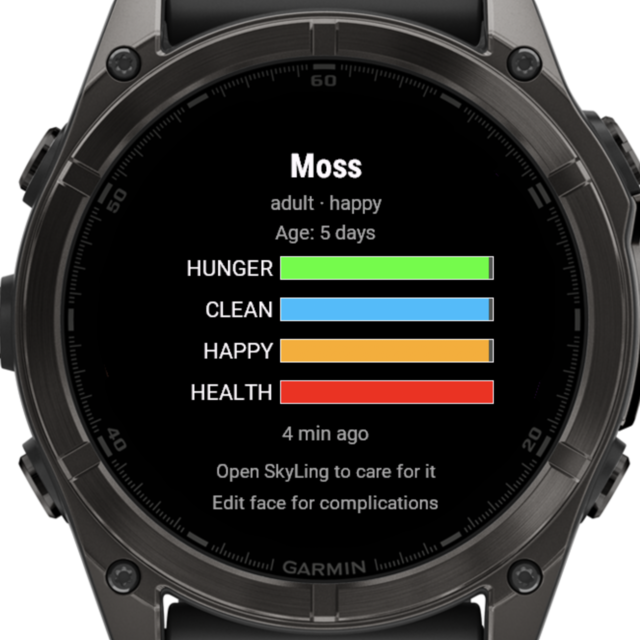
SkyLing Face is a free companion watch face. It shows your pet's species, stage, mood and stats on the watch face itself, next to the time, the date and whichever activity stats you pick.
What it shows
Your pet's sprite front and centre, the time and date, and four bubbles set to hunger, happiness, cleanliness and health. You can swap any bubble for steps, heart rate, battery and others. A coloured ring appears when your SkyLing needs attention.
How to pair
In the SkyLing app, open Settings → Watch Face for a 4-digit code. Set SkyLing Face as your active watch face, edit its settings, and enter the code. The one-time pairing keeps your face linked from then on.
Heads up: the watch face refreshes about every five minutes, a Garmin limit on how often a watch face can fetch data in the background. If you feed, clean, play with, or heal your SkyLing in the app, the watch face may take a few minutes to catch up. The SkyLing app is always the source of truth.
Tips
Check in regularly. Stats decay even when you're not playing. A quick check a few times a day keeps your SkyLing healthy.
Eggs and cocoons don't need feeding. During dormant phases, stats are frozen. Use this time to stockpile Star Dust.
A dirty habitat makes your SkyLing sick. Cleanliness is the stat that turns into illness if you let it slide.
Experiment with your routine. Different activity patterns lead to different creatures. Try varying when and how you're active.